Software
M-Bus Meter Reading Software
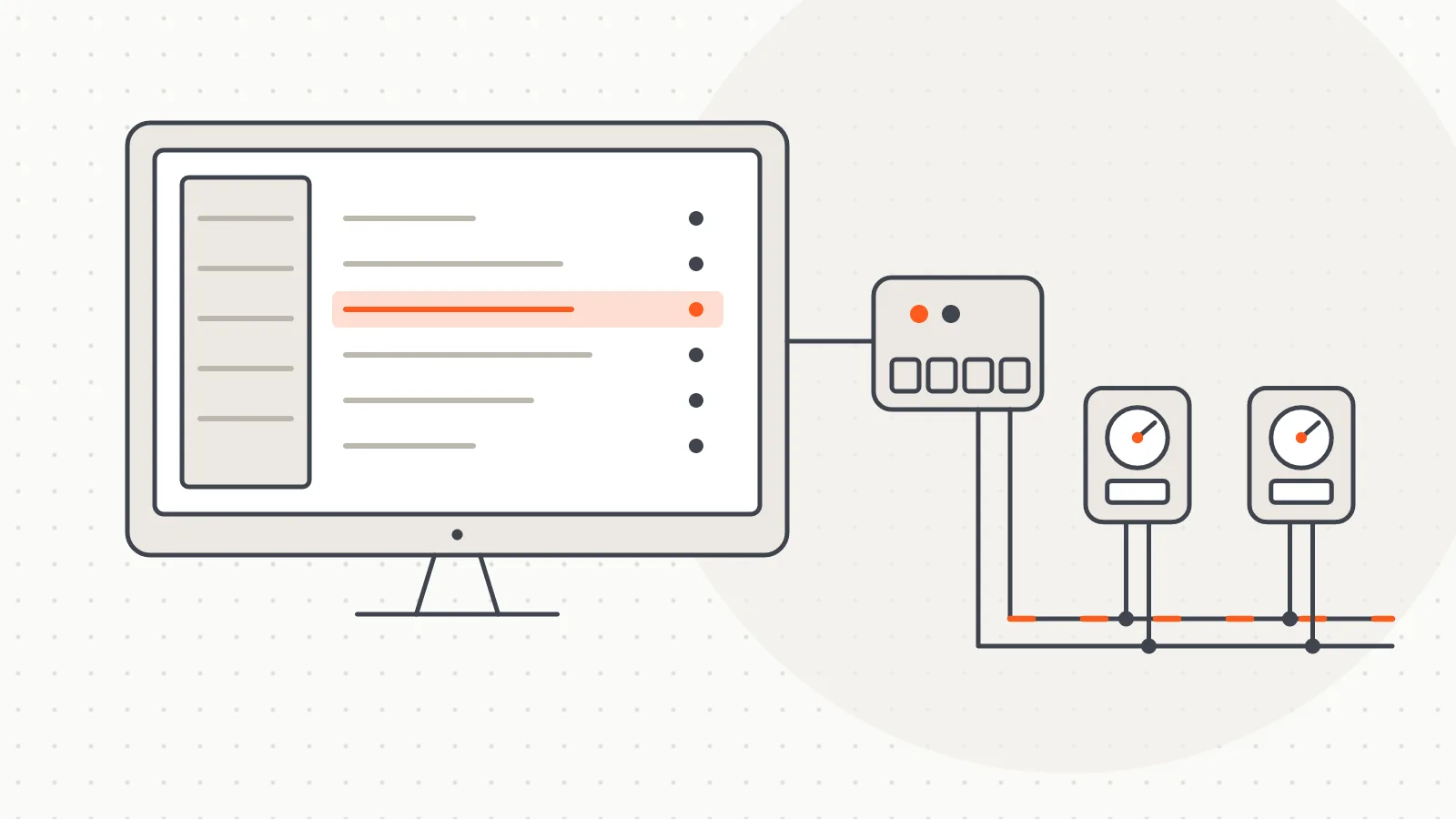
A Windows desktop program that scans and reads wired M-Bus meters over a serial port, fills a table and exports the results to Excel.
Hardware
M-Bus Master devices we build in Türkiye to read meters on a wired M-Bus line over GSM, Wi-Fi, USB or Bluetooth.
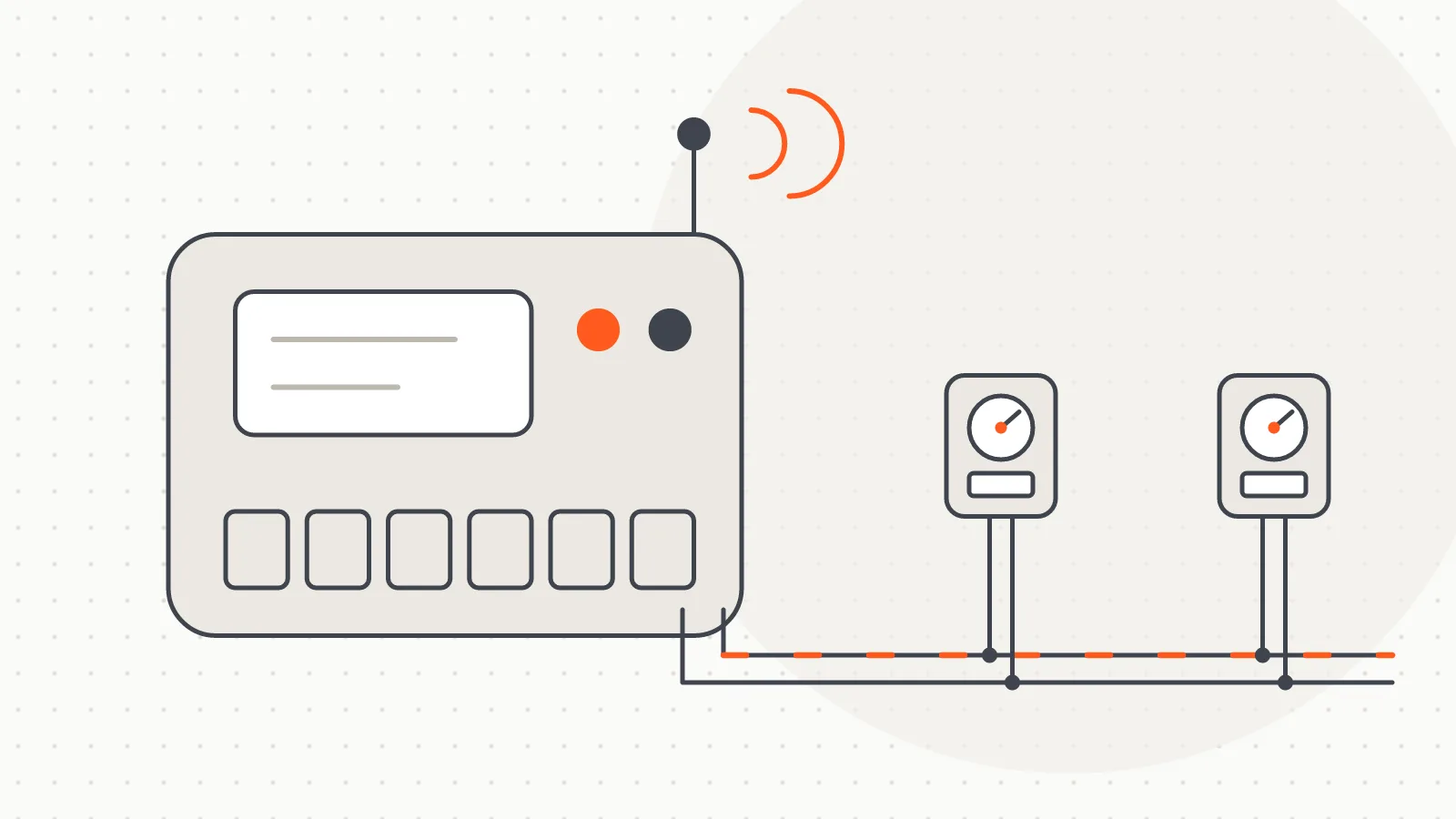
An M-Bus Master is the bridge between the meters on a wired M-Bus line and the computer, phone or server that reads them. Heat meters, radiator heat allocators and water meters with an M-Bus output share a two-wire line, but computers and phones have no port that can read that line directly. The M-Bus Master powers the line, polls the meters and passes the readings on over the connection you choose.
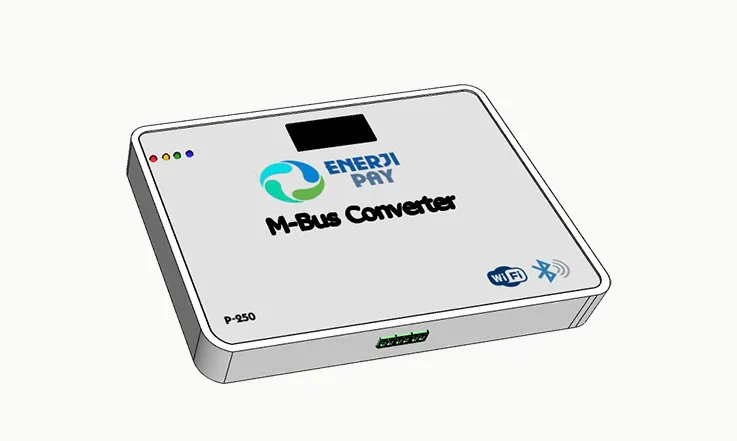
We offer the same M-Bus side with four different connections: GSM, Wi-Fi, USB and Bluetooth. Which one fits depends less on where the meters are and more on where the reading will be done. We manufacture the devices ourselves in Türkiye; on our product site the family is listed as "M-Bus Converter".
The meters connect to the building's M-Bus line, and the line runs to the M-Bus Master in the panel. The device polls the meters one by one, collects the consumption data each one returns and, depending on the connection type, forwards it to a computer, a phone or a server over the internet. Reading is brand-independent: meters from different manufacturers that speak standard M-Bus can be read together on the same line.
This family is for wired lines only. If the meters are wireless (wM-Bus), you need a radio receiver rather than an M-Bus Master.
All four models share the same M-Bus side. The protocol is wired M-Bus (EN 13757). The line side has galvanic isolation and short-circuit protection, so a short on the line does not reach the reading device. Models are built for 250, 500 and 1000 meters and support line lengths of up to 2000 metres. The devices mount on a DIN rail and run on 12-24 V DC.
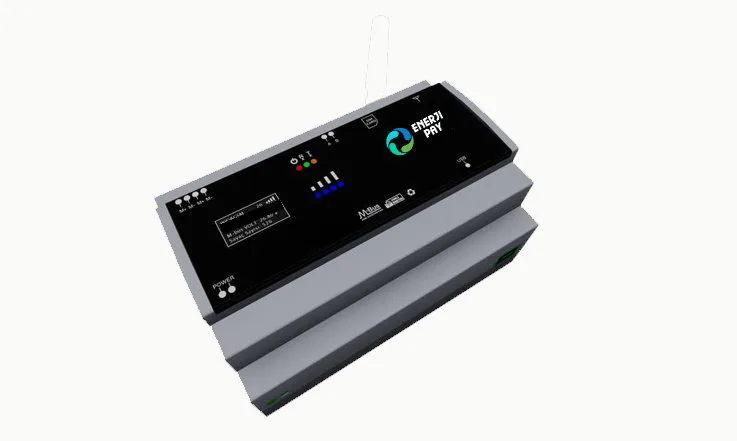
Connection: mobile network via a SIM card, available in 2G and 4.5G versions. No internet access is needed in the building, and readings are taken without visiting the site. Data goes either to our server or to the customer's own server; the target address is set during installation. The external antenna can be moved to a spot with better signal, which helps in basements and boiler rooms with weak coverage. Since operators are phasing out 2G networks step by step, we recommend the 4.5G model for new installations.
Typical use: metering and property management companies reading many buildings from one office; remote, scattered or not-yet-connected buildings.
Connection: the building's existing wireless network. The device takes readings over HTTP and sends the data to a server, with no SIM card or data plan required. If it cannot join the configured network, it opens its own access point (AP mode), where the network to join can be selected. When the router or Wi-Fi password changes, no separate software is needed.
Typical use: reading from the office in buildings with a reliable, permanent internet connection.
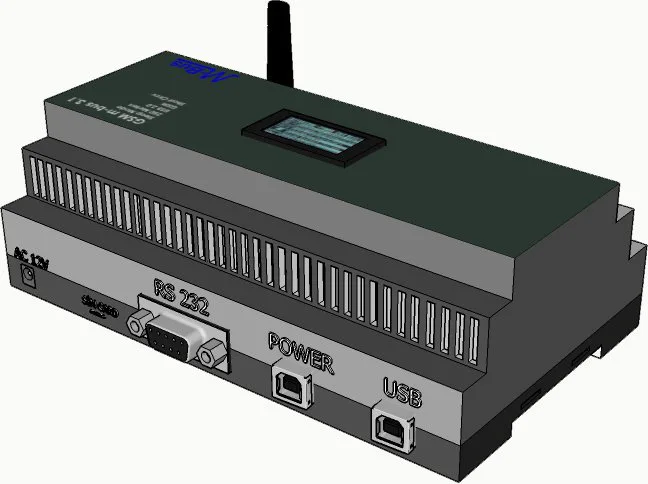
Connection: the computer's USB port; the device shows up as a serial (COM) port. The driver is not a separate download: it comes with the installer of the M-Bus reading software.
Typical use: sites where reading is done on the premises, such as a computer kept in the boiler room or management office, or a laptop brought to the building at each reading period.
Connection: short-range Bluetooth. It works with Android phones; iOS devices are not supported. The device stays in the panel and the meter reader connects from nearby without plugging in a cable. It takes power from an external adapter, so the panel needs a power point.
Typical use: buildings where the panel sits somewhere awkward to reach, such as a narrow recess, a locked cabinet or under the stairs.
The choice usually comes down to one question: where will the reading be done?
The GSM and Wi-Fi models read in real time and send straight to the server; they do not store data on the device. While the connection is down, no readings are taken. Once it returns, reading resumes where it left off, but the outage period is not filled in afterwards. That is why antenna placement, a signal check and an uninterrupted power supply matter during installation.
If the line length or the number of meters exceeds what the chosen model supports, it is better to install one M-Bus Master per block than to read everything from a single point. The collected consumption data goes into the reading software or the remote reading platform and is used to split heating bills between flats.
You can browse our devices at m-bus.com.tr, and use our EnerjiPay platform for real-time remote meter reading.
 Open full-size image
 Open full-size image
 Open full-size image
Software
A Windows desktop program that scans and reads wired M-Bus meters over a serial port, fills a table and exports the results to Excel.
Do you have a board, device or meter reading project? Tell us briefly what you need and our engineering team will get back to you.