Hardware
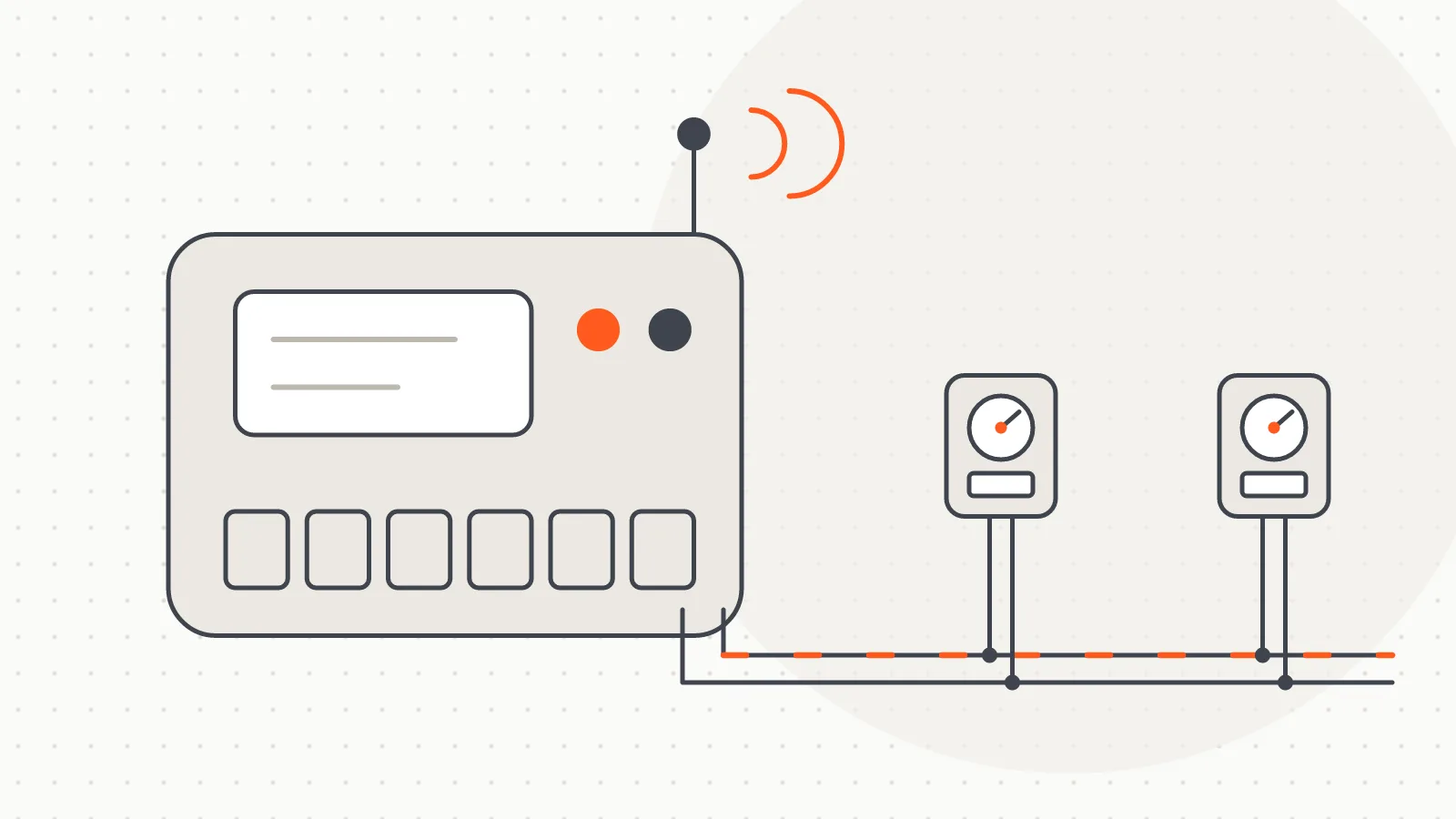
M-Bus Master Device Family: GSM, Wi-Fi, USB and Bluetooth
M-Bus Master devices we build in Türkiye to read meters on a wired M-Bus line over GSM, Wi-Fi, USB or Bluetooth.
Software
A Windows desktop program that scans and reads wired M-Bus meters over a serial port, fills a table and exports the results to Excel.
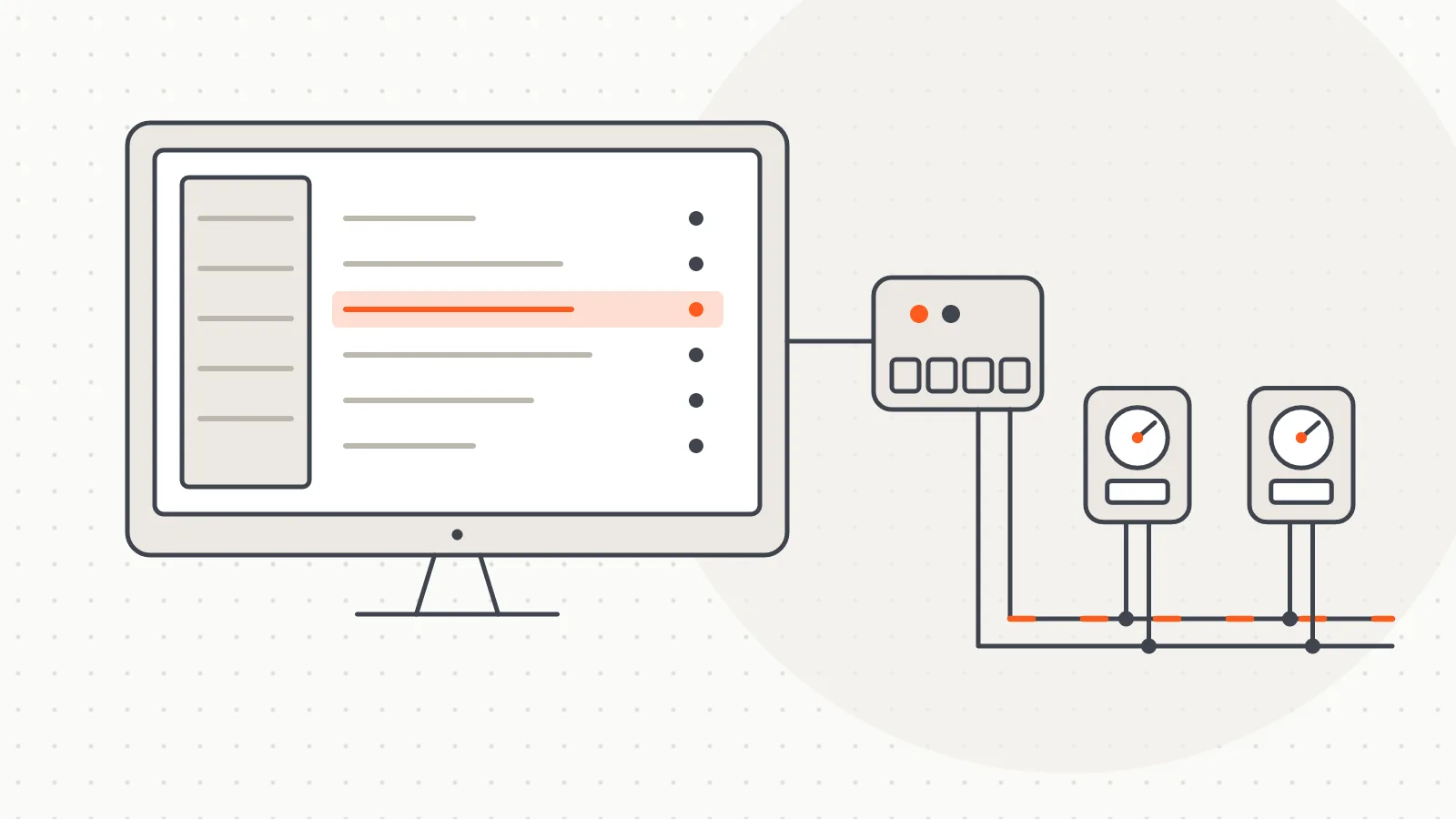
M-Bus Meter Reading Software is a Windows desktop program that reads meters on a wired M-Bus (EN 13757) line through a computer's serial port. The main screen is a single table: each row is one meter, holding the flat number, the occupant's name, the meter number, the register values and the consumption side by side. A field team can read every meter in a building in one session and see the results straight away in that table.
Its main functions:
The program reads meters that communicate over the EN 13757 protocol, regardless of brand.
The computer connects to the meter line through an M-Bus master converter. With a USB M-Bus master there is no separate driver to hunt for; it ships with the reading program's installer. In the settings, the user picks the COM port and the timeout values.
Once reading starts, the program wakes each meter in turn, requests its data telegram, decodes the reply and writes it into the matching row. If a meter does not answer, or the line drops at that moment, the program keeps running: the row is marked red and it moves on to the next meter. When the run finishes, the missing meters stand out in the table and only those need to be tried again.
For troubleshooting, a separate window shows serial port traffic; it is capped so long sessions do not slow the interface down.
The program is built with Python 3 and PyQt5, and telegram decoding relies on an open-source M-Bus library. It installs into the user's own application folder and does not need administrator rights. The meter list and settings live in a configuration file, while the reading history is kept in a local SQLite database in the installation folder.
Licensing is tied to the hardware. The program derives a product code from the computer's hardware; the licence key is bound to that code with an RSA-2048 / SHA-256 signature, and its expiry date is checked. Because the operating system version is not part of the product code, Windows updates do not break the licence, while the same key is rejected on another computer. Without a licence the table is limited to 300 rows, and the scan and special reset steps are disabled.
At start-up the program checks for a newer version. A downloaded installer is verified against its SHA-256 digest; if the digest does not match, the file is deleted without being run. The interface is available in Turkish and English.
The software is designed for periodic, on-site reading of meters in apartment buildings and housing complexes wired with an M-Bus line. Because the table keeps flat and occupant details on the same row as the meter, a reading can feed straight into consumption sharing or billing preparation. An Excel file serves as the shared format between the two steps.
For reading teams, unknown addresses are found by scanning, the list is set up once and reused every period. Meters that fail to answer show up on site immediately, and past readings are ready for comparison next time.
The current installer is downloaded from the product site, m-bus.com.tr, which also distributes program updates. The same site presents the M-Bus master converters and the wM-Bus reading program built for wireless meters.
 Open full-size image
Hardware
M-Bus Master devices we build in Türkiye to read meters on a wired M-Bus line over GSM, Wi-Fi, USB or Bluetooth.
Software
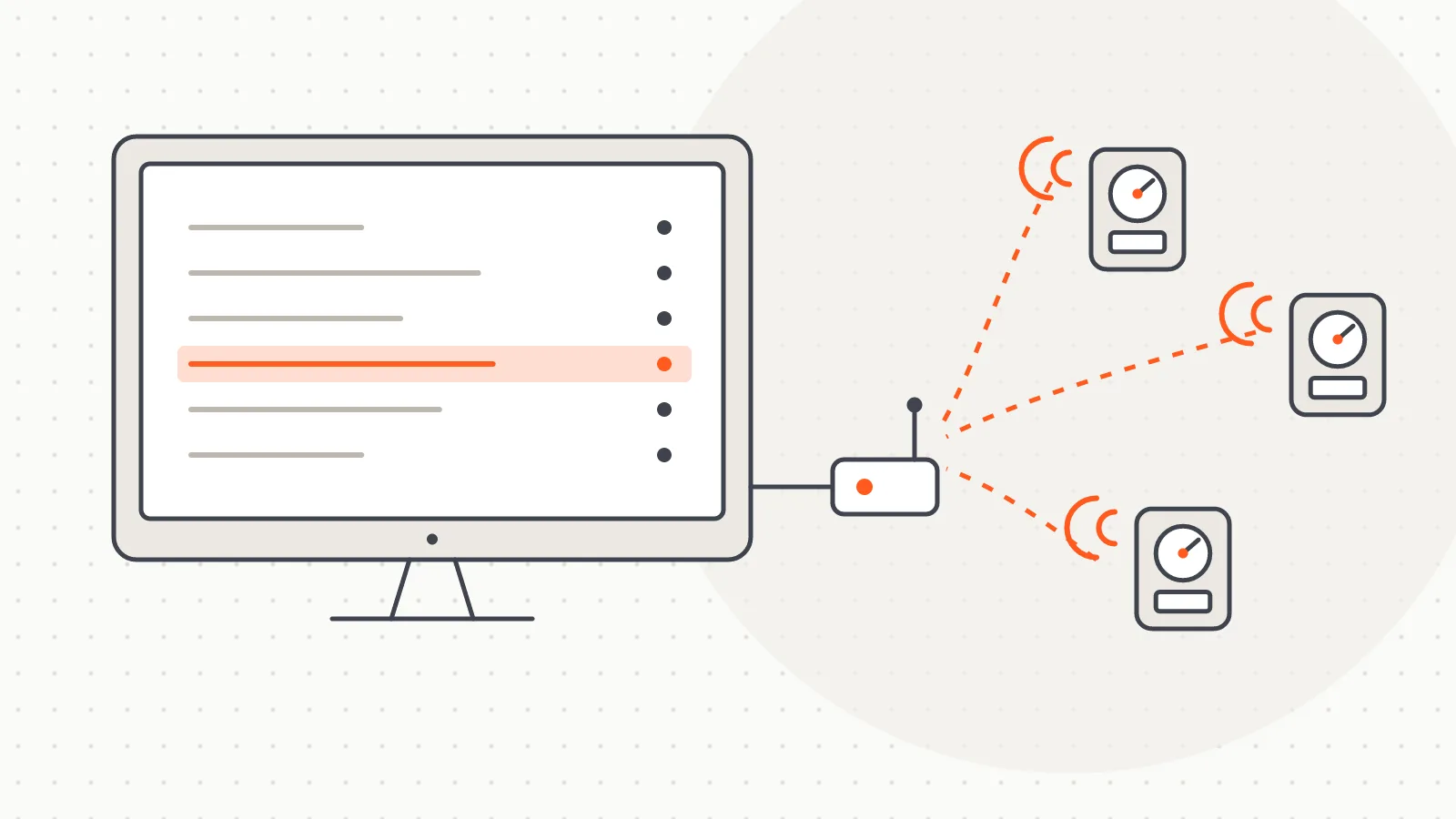
Desktop software that listens to 868 MHz wireless M-Bus meter broadcasts via a USB receiver, decodes them per building and exports to Excel.
Software
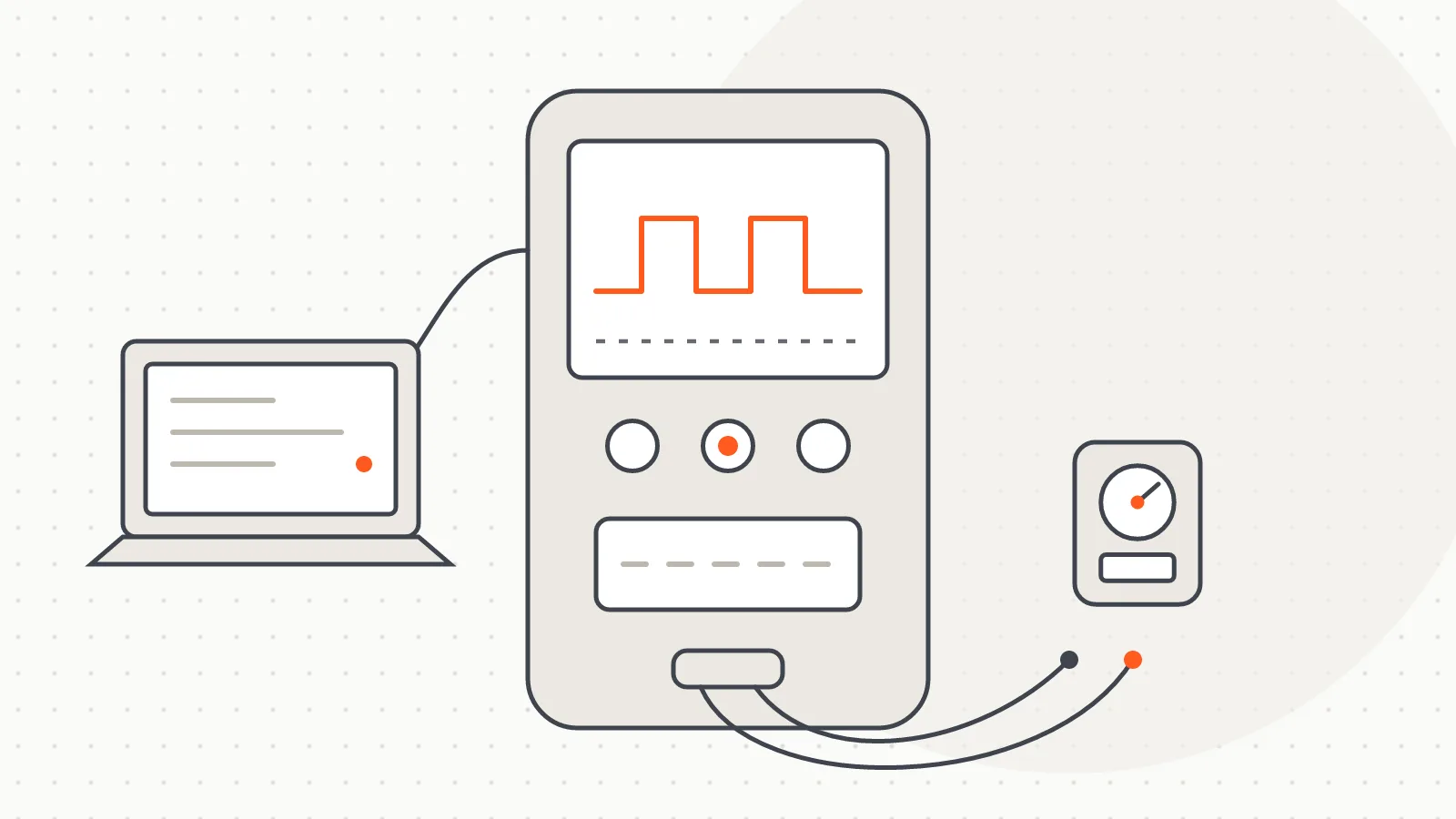
A portable Windows tool that lets meter manufacturers check whether their M-Bus meters can be read through an M-Bus converter.
Software
A platform that reads meters remotely on demand, runs billing on the web and shows residents their daily consumption.
Do you have a board, device or meter reading project? Tell us briefly what you need and our engineering team will get back to you.