Software
M-Bus Meter Reading Software
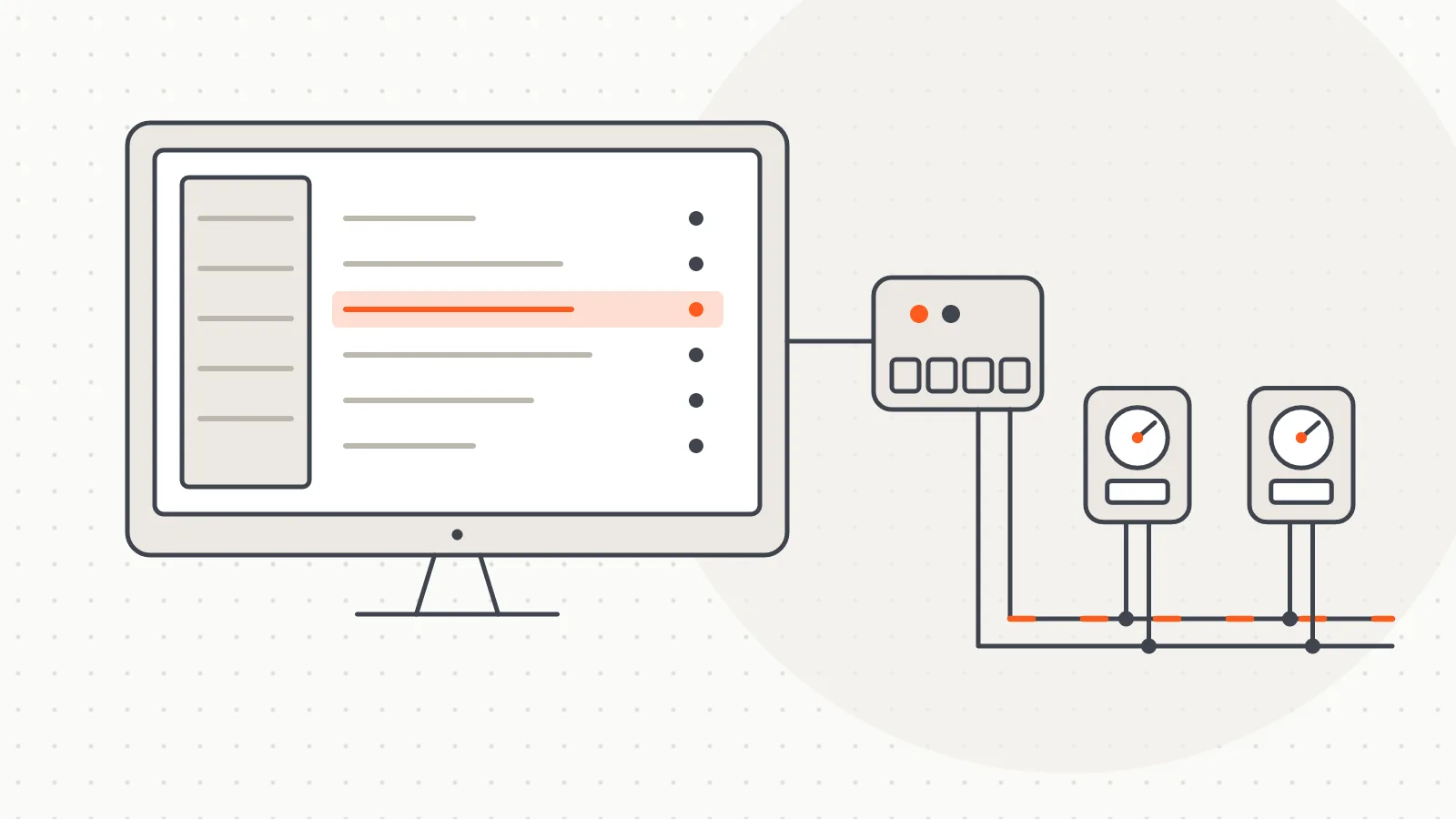
A Windows desktop program that scans and reads wired M-Bus meters over a serial port, fills a table and exports the results to Excel.
Software
Desktop software that listens to 868 MHz wireless M-Bus meter broadcasts via a USB receiver, decodes them per building and exports to Excel.
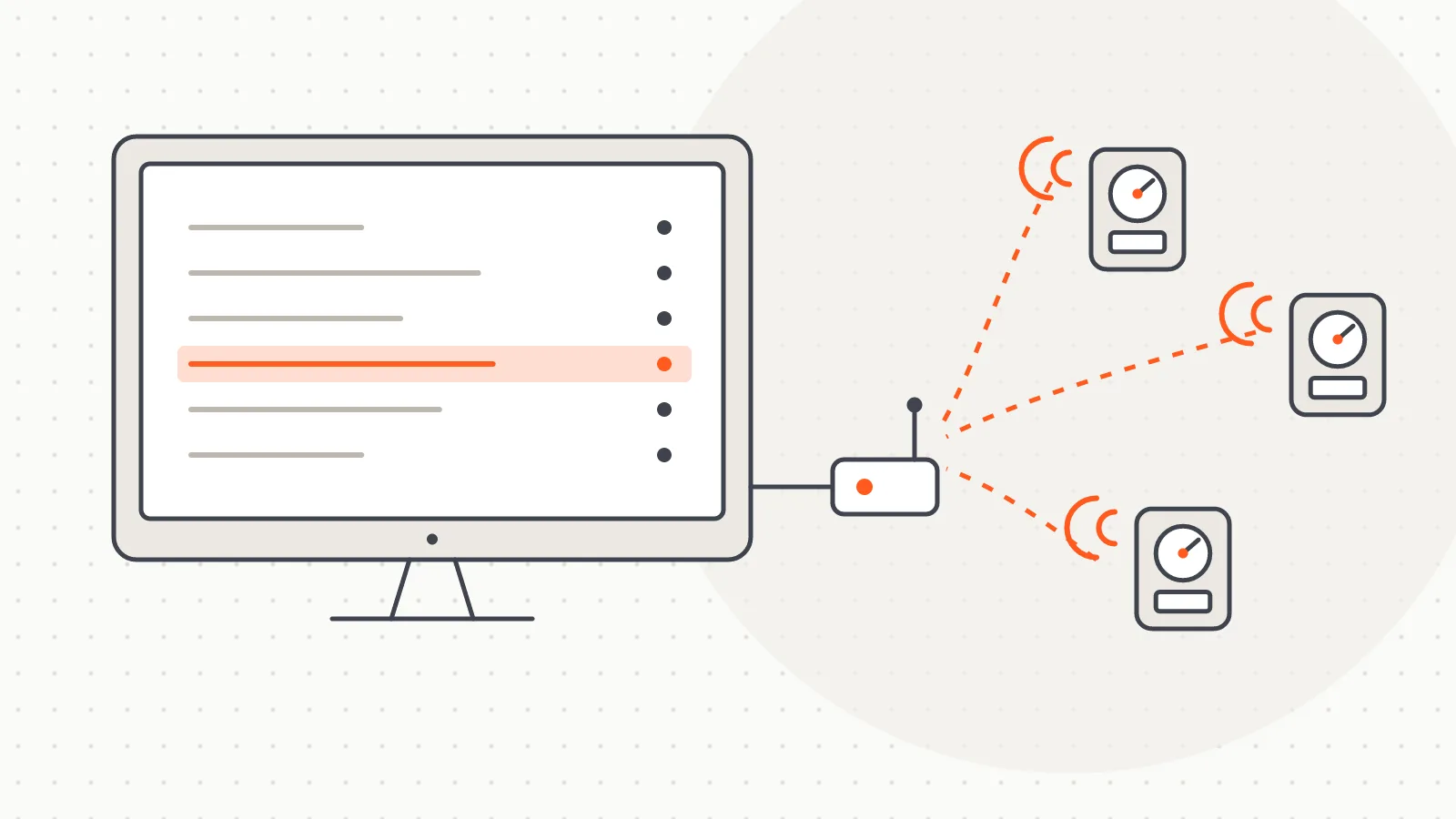
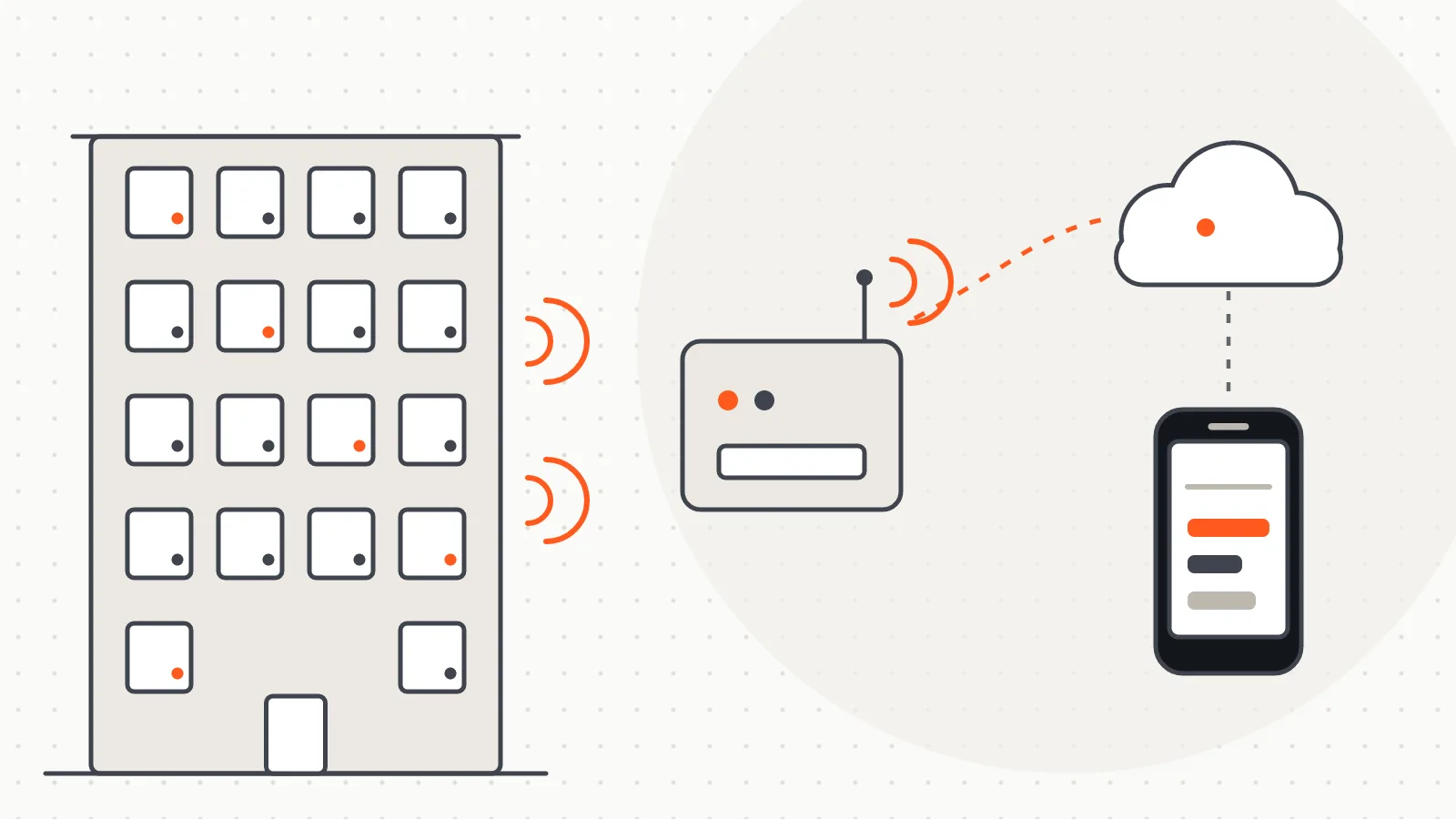
wM-Bus Meter Reading Software is a Windows desktop application that reads radiator heat allocators, heat meters, and hot and cold water meters that communicate over wireless M-Bus. These meters broadcast their readings as short radio packets (telegrams) in the 868 MHz band. The software listens to those broadcasts through a USB receiver, decodes them, writes each value against the right flat in the building list and exports the result to Excel. No cable is run to the meter, and the meter is never polled.
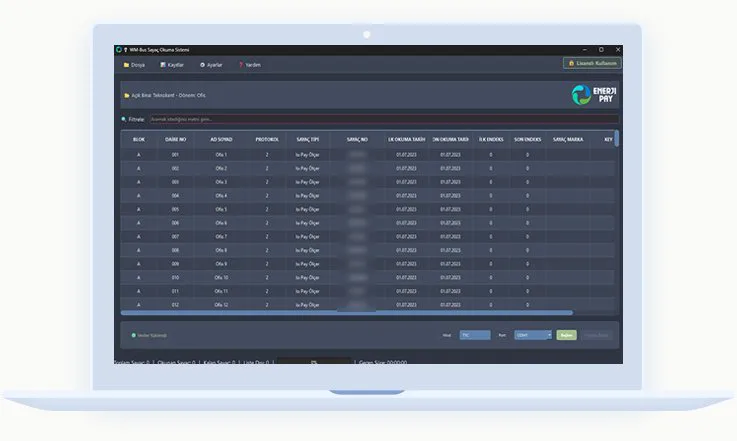
Reading is organised by building and billing period. The meter list comes from Excel or a ready-made template; once listening starts, each meter read turns green. The status bar shows total, read, remaining and unlisted counts, elapsed time and progress, so the team sees at a glance which flats are still missing.
Each session is logged hourly per building, with decoded and undecodable telegrams kept apart, so a missing meter can be traced to the mode, the range or the key.
Wired M-Bus (EN 13757-2 and EN 13757-3) is a two-wire line: the reading device asks, the meter answers straight away. Wireless M-Bus is defined in EN 13757-4 and turns this around: the meter transmits on its own schedule and the receiver only listens. In the field this has three consequences:
If your meters are connected by a two-wire M-Bus line, the companion M-Bus Meter Reading Software is the right tool.
This software focuses on wireless meter reading itself and works independently of whichever allocation or billing program you use; its output is Excel and what happens next is up to your own process. If you want the reading round written straight into the meter list of EnerjiPay allocation, the field leg of that chain is described on the EnerjiPay RF page.
The program is written in Python with PyQt6 and is distributed as an installer for Windows 10 and 11. Data is kept in a single-file SQLite database. The software reads meters that transmit using the EN 13757-4 (wireless M-Bus) protocol, independent of brand; encrypted meters require that meter's key. Telegram content is interpreted by 21 meter drivers, and the meter type is recognised automatically from the telegram.
Telegram processing is multi-threaded and interface updates are batched, so the program stays responsive in busy buildings. The licence is tied to the computer and validated with a signed key. At start-up the program checks for a new version and will not use a downloaded installer until its fingerprint has been verified.
Typical uses are reading radiator heat allocators and heat meters in centrally heated buildings, reading hot and cold water meters, and collecting data for periodic heating bill allocation. The reading team places the receiver at a suitable point in the building, completes the round without entering the flats and passes the Excel output on to the allocation process.
Installation steps, receiver placement, listening modes and entering AES keys are covered in detail in the installation guide on the product site, where the latest version of the software can also be downloaded.
 Open full-size image
Software
A Windows desktop program that scans and reads wired M-Bus meters over a serial port, fills a table and exports the results to Excel.
Software
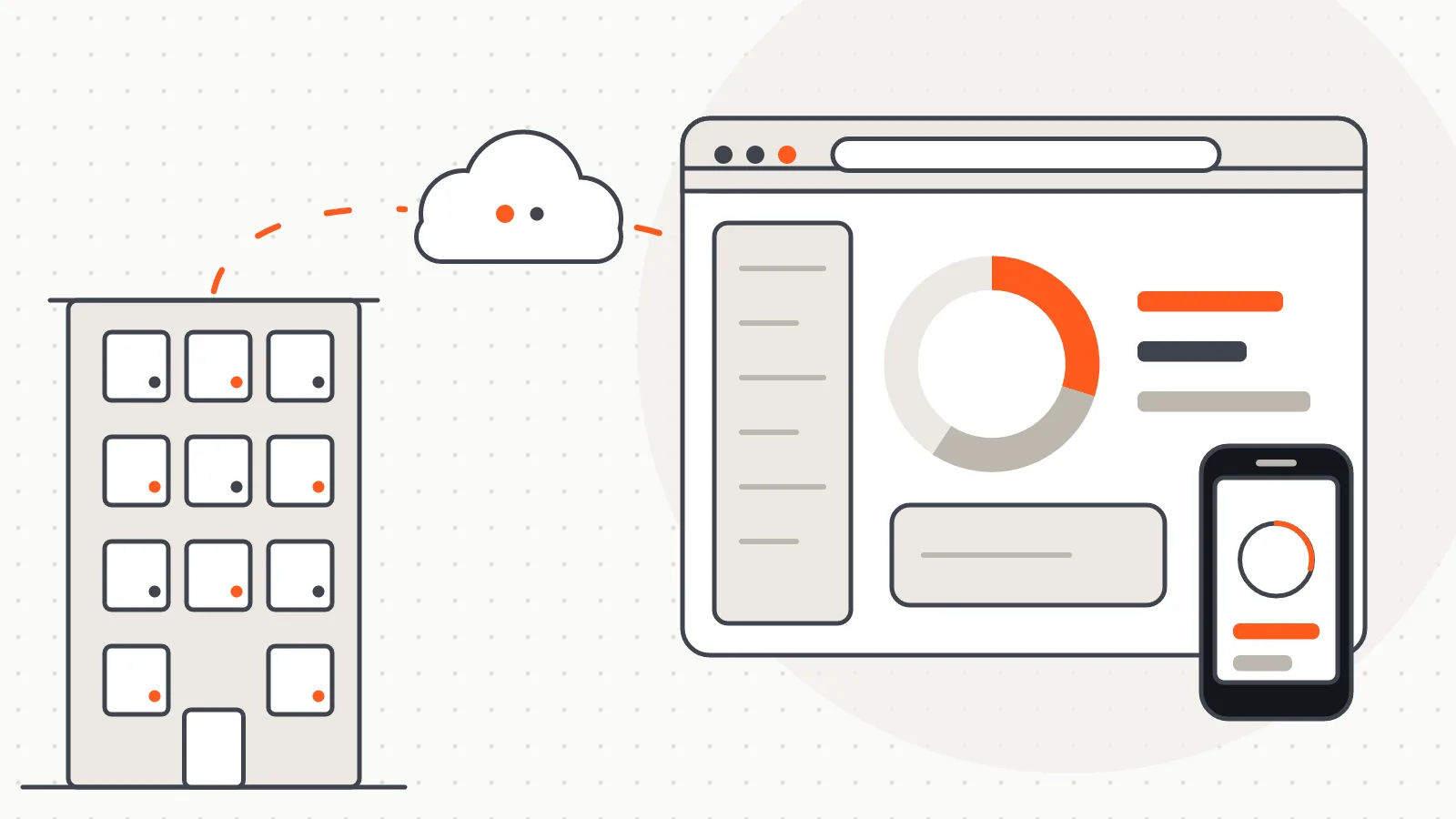
A platform that reads meters remotely on demand, runs billing on the web and shows residents their daily consumption.
Software
The field reading leg that writes a walk-by in-building reading round straight into the meter list of the EnerjiPay allocation software.
Do you have a board, device or meter reading project? Tell us briefly what you need and our engineering team will get back to you.