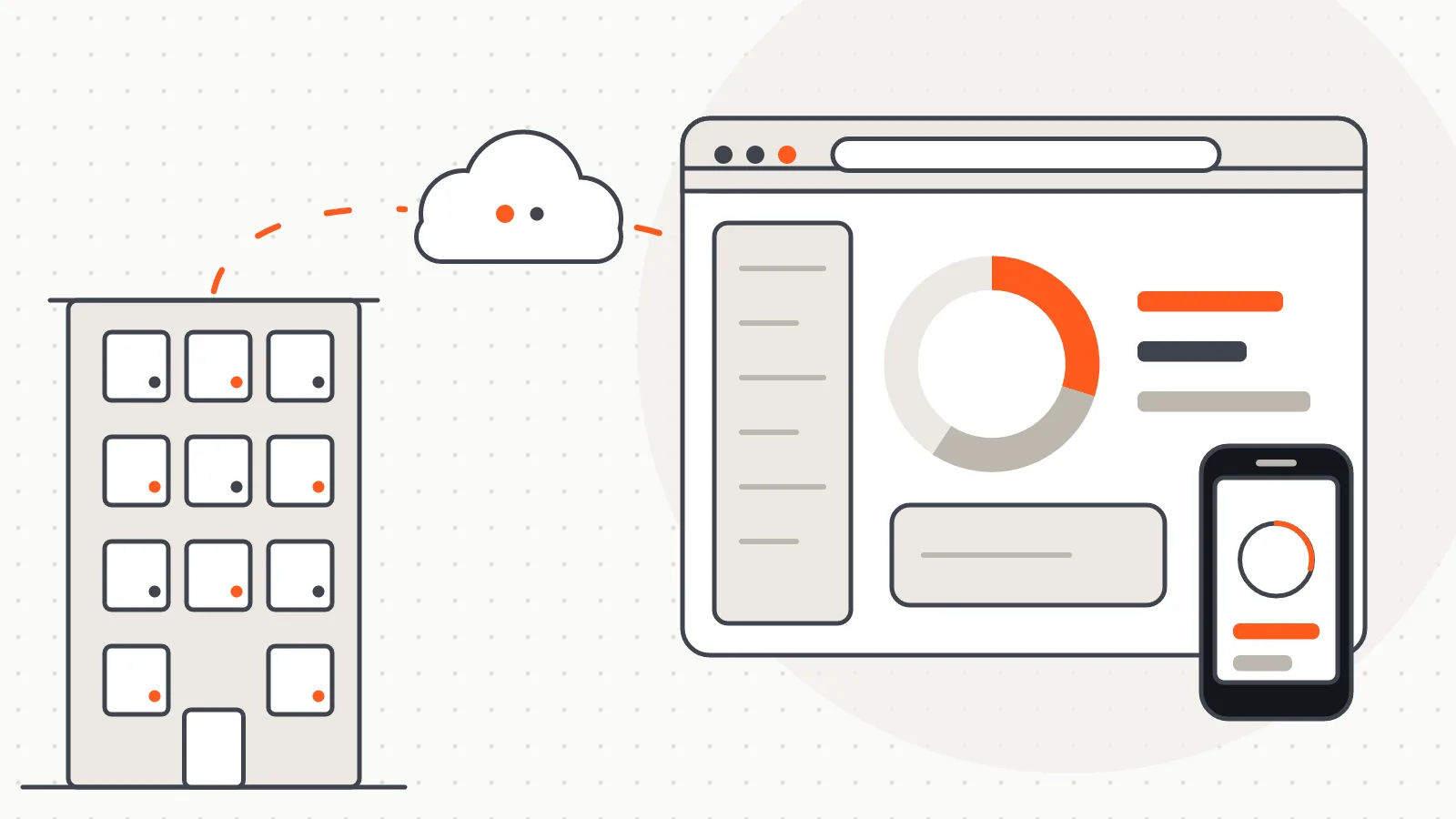
Software
EnerjiPay Remote Meter Reading and Billing Platform
A platform that reads meters remotely on demand, runs billing on the web and shows residents their daily consumption.
Software
The field reading leg that writes a walk-by in-building reading round straight into the meter list of the EnerjiPay allocation software.
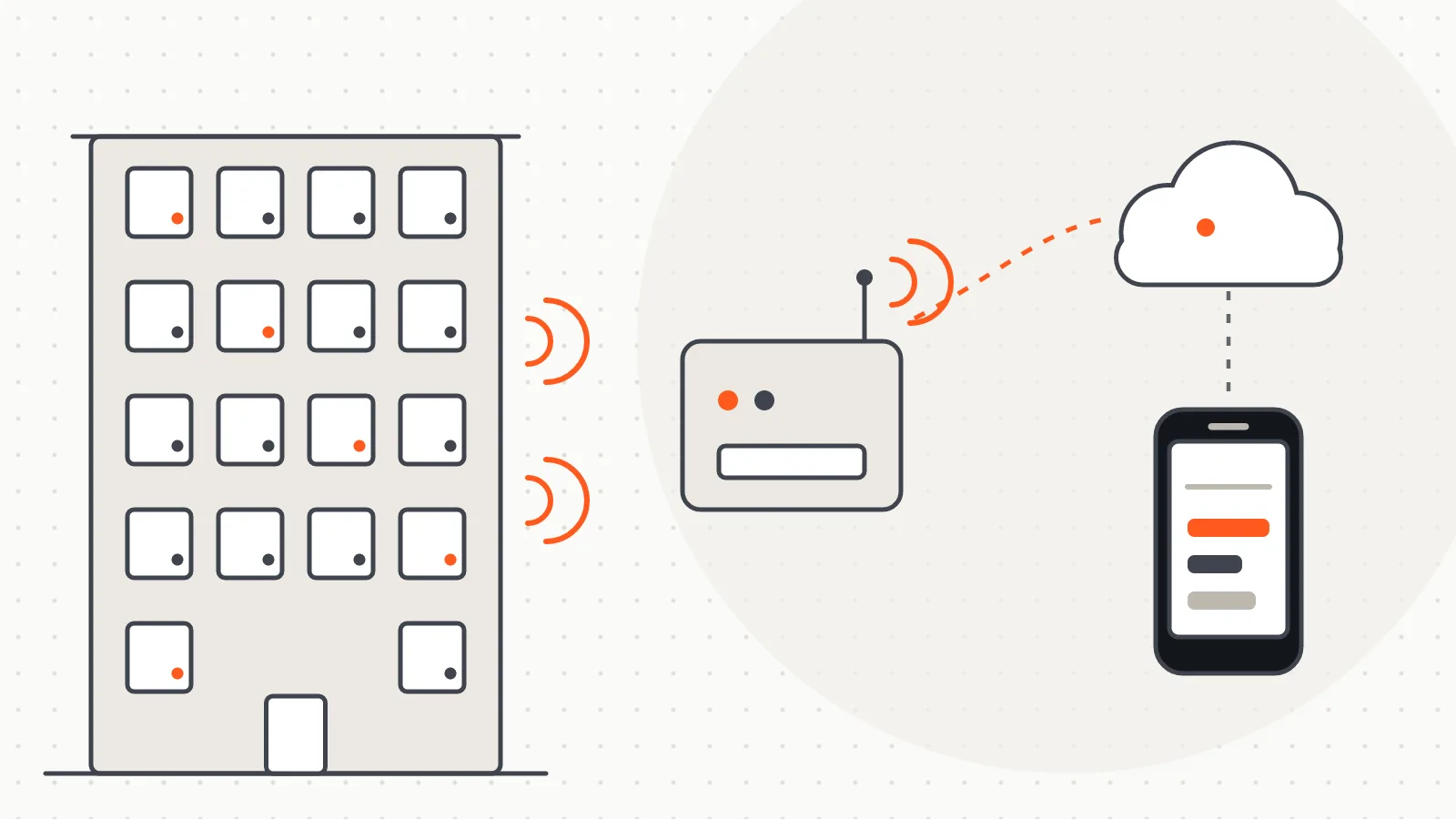
EnerjiPay RF is a desktop application written to turn a reading round into something cost allocation can use: while the technician walks the building with a laptop, it collects the data broadcast by the wireless meters through a USB receiver and turns it into readable values. Devices that transmit wireless M-Bus (wM-Bus), such as heat meters, heat allocators and water meters, send short telegrams in the 868 MHz band at regular intervals. The application captures these telegrams, decodes them and shows consumption, date and status for each meter in a single table.
Field work usually starts with an Excel list: which flat, which meter serial number and, for encrypted meters, which key. EnerjiPay RF loads that list, matches each reading to its row and hands the result back as an Excel file. A reading round therefore closes as a "list → site → list" loop, and any meter that was not read stands out immediately.
Readings are taken in one of two modes:
A new telegram from the same meter updates its existing row instead of adding another one. A telegram that carries only status information never wipes a value that was already read. Readings are stored in a local database on the computer; the history view lets you filter a meter's readings by date range and export them as CSV.
When a telegram cannot be decoded, the application states the reason: missing key, no matching driver, or the meter's full frame has not arrived yet. The technician on site does not have to guess where the problem lies.
The decoding engine has three layers. The frame layer handles the link header and decryption; the record layer reads the DIF/VIF codes defined in EN 13757-3 to extract values such as volume, energy, temperature and date; the driver layer reads from definition files what each record means for a given meter. Supporting a new meter model usually means adding a definition file rather than changing the engine.
EnerjiPay RF is the field-reading side of the EnerjiPay allocation and billing software. It reads the same meter list template used for allocation and writes the latest index values back into that template, so the file can go straight into the allocation process. Both applications share the same visual design and sit side by side on the desktop as one product family.
Where readings have to be taken remotely by a device installed permanently in the building, the RF+GSM collector terminal is used instead; EnerjiPay RF is designed for walk-by and in-building readings that a technician takes with a laptop.
The difference from its companion product, the wM-Bus Meter Reading Software, is one of scope: that software is about wireless meter reading itself — modes, the driver list, discovery and export — and is used independently of any allocation software. EnerjiPay RF instead ties the reading round to EnerjiPay's meter list template; its purpose is not to read meters but to hand over a complete input for allocation at the end of the period. If you are looking for meter reading software, go to the companion product; if you want to close the allocation chain, this is the page.
The project is under development: the decoding engine and the desktop interface are working, and field trials are ongoing. For information about the project, call us on 0505 059 88 58.
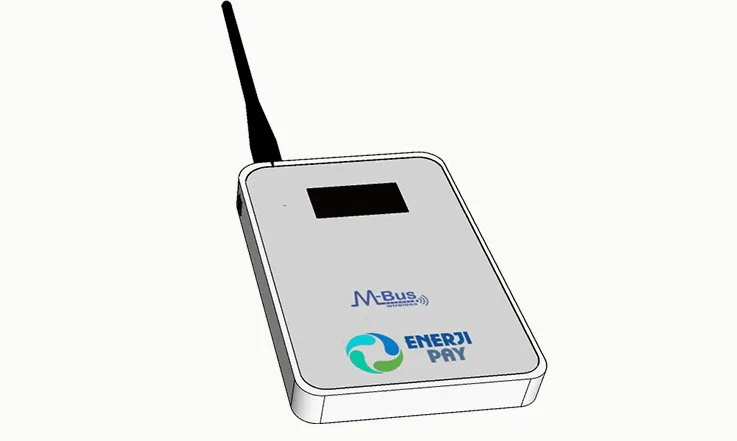 Open full-size image
Software
A platform that reads meters remotely on demand, runs billing on the web and shows residents their daily consumption.
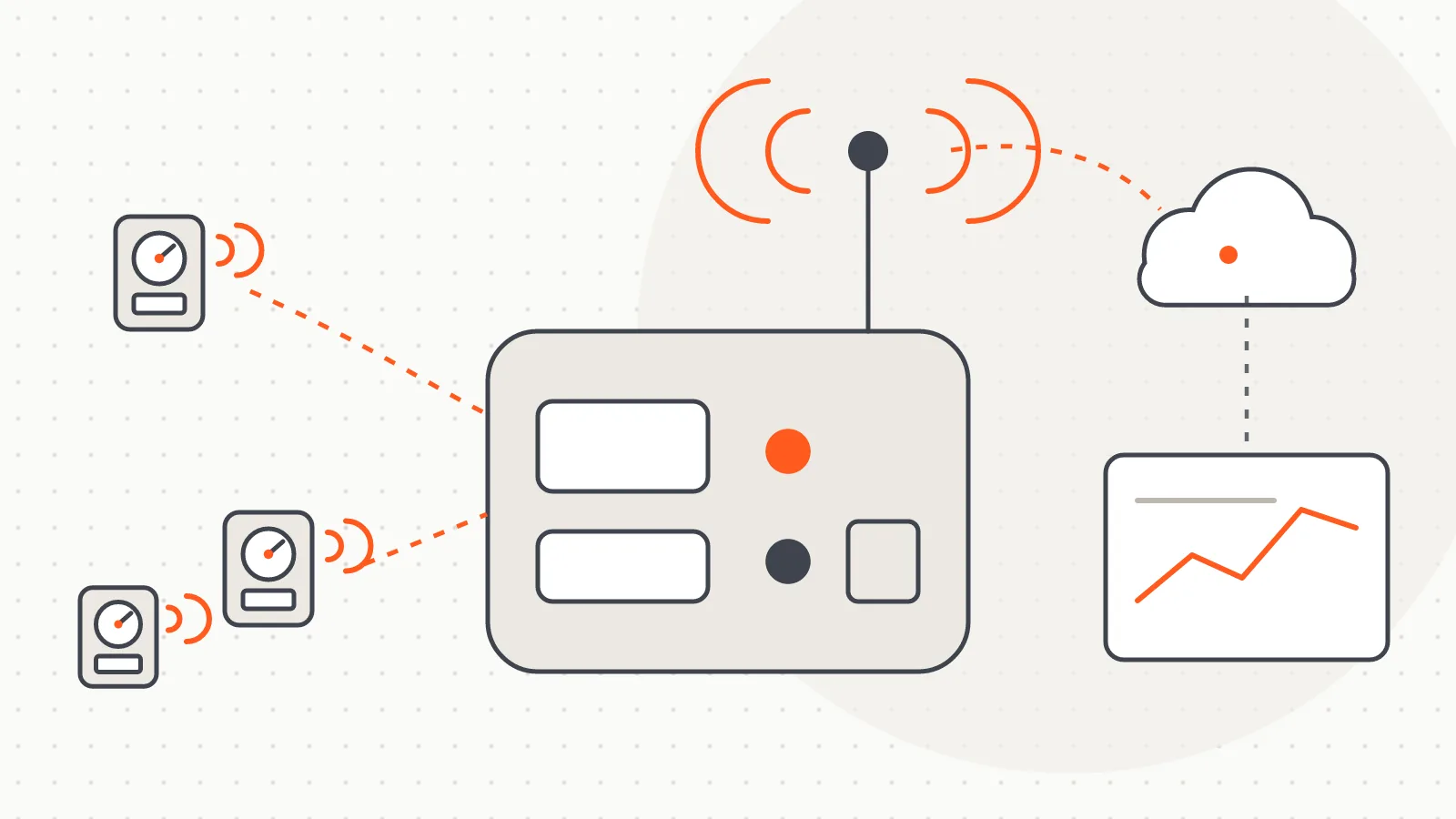
Hardware
A terminal that collects wireless meter data over RF inside the building and sends it to a central system over GSM, with no flat visits.
Do you have a board, device or meter reading project? Tell us briefly what you need and our engineering team will get back to you.