Software
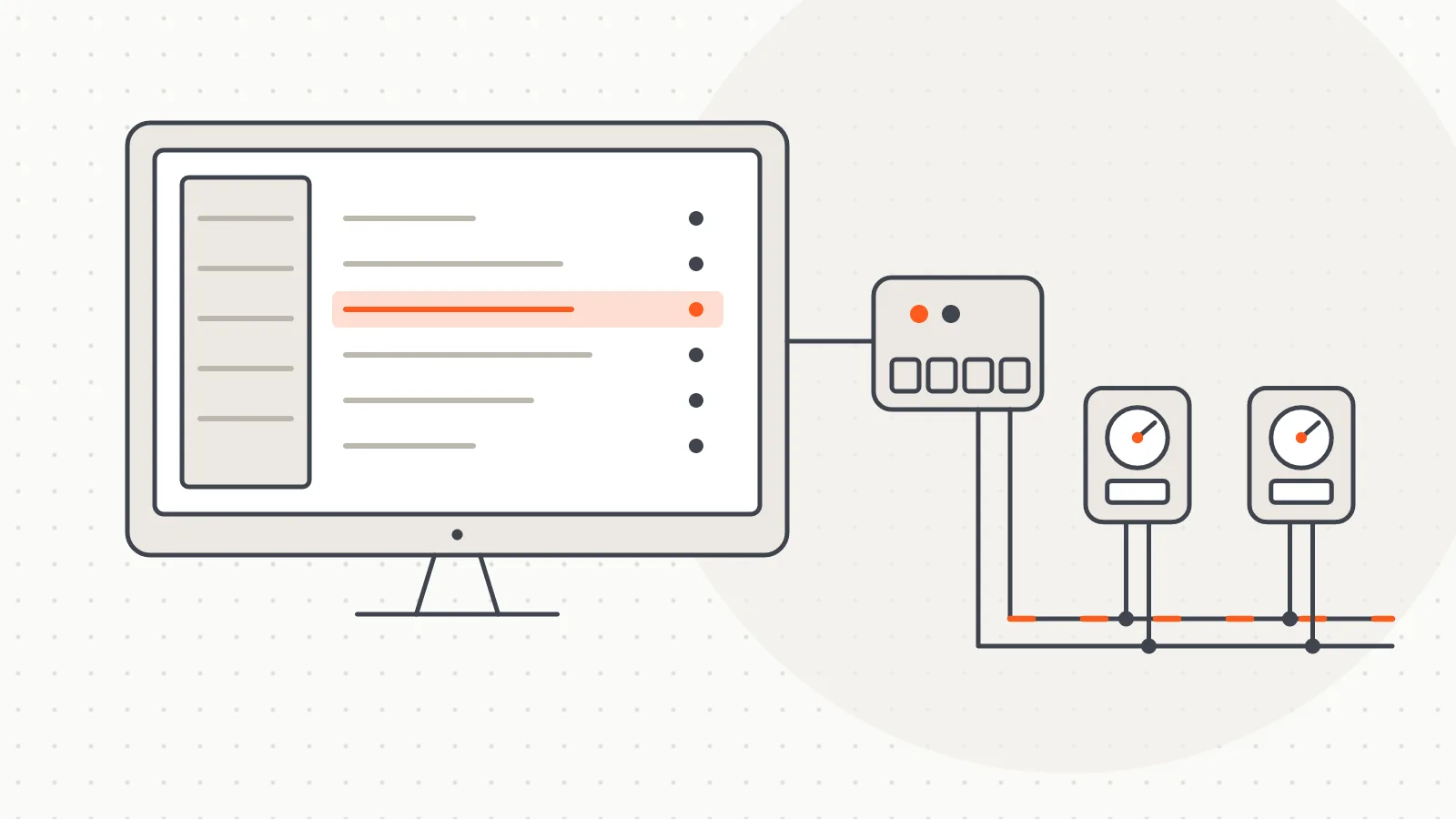
M-Bus Meter Reading Software
A Windows desktop program that scans and reads wired M-Bus meters over a serial port, fills a table and exports the results to Excel.
Software
A portable Windows tool that lets meter manufacturers check whether their M-Bus meters can be read through an M-Bus converter.
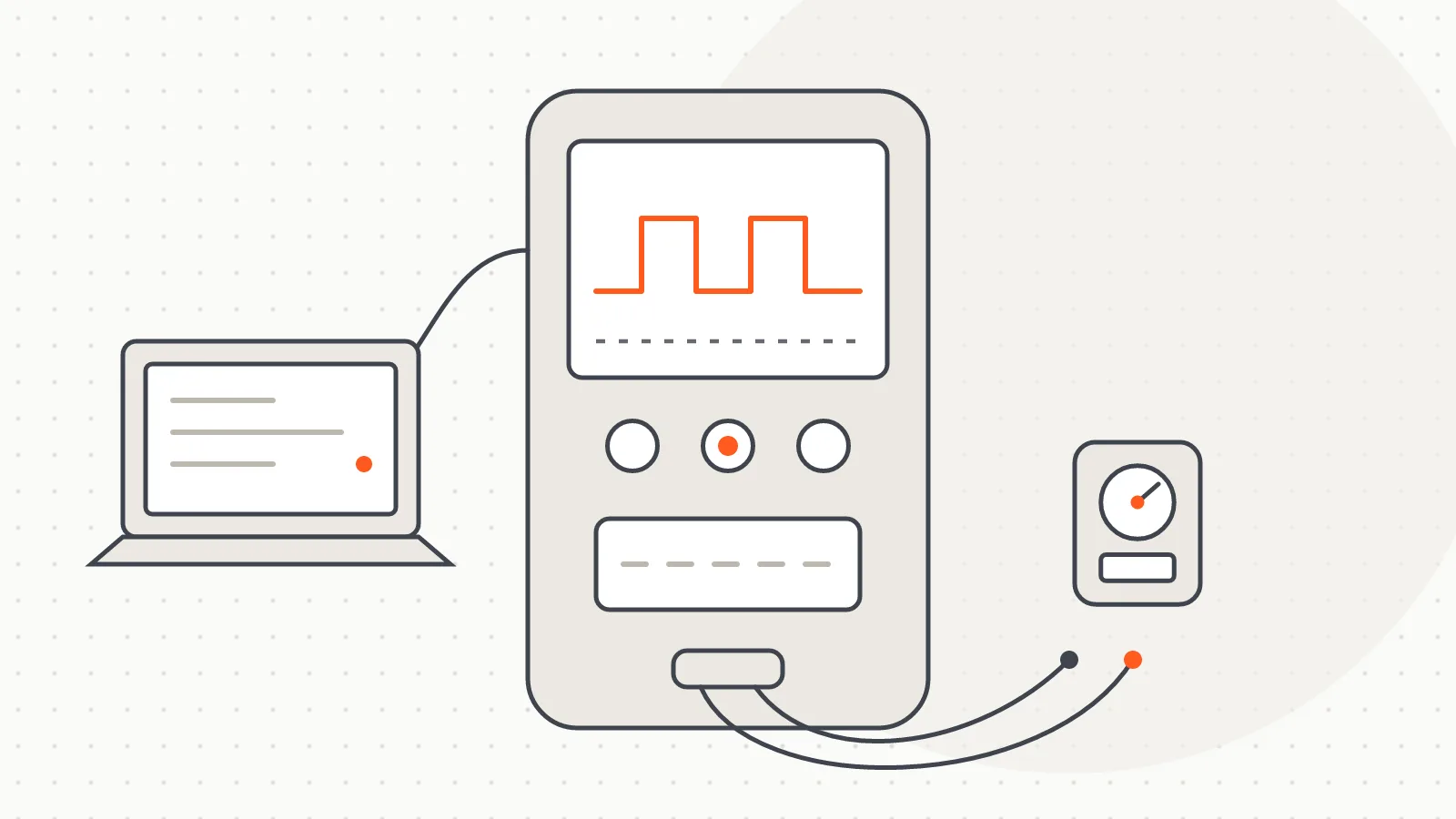
M-Bus Data (formerly the M-Bus Meter Test Tool) is a Windows program we built to check quickly whether an M-Bus meter can be read through an M-Bus converter. It is written mainly for meter manufacturers: they plug the converter they were given into a computer and see, at their own bench, whether their meters talk to our reading infrastructure.
The program is released to meter manufacturers free of charge. It is a single executable. Nothing needs installing; it opens with a double-click and also runs from a USB stick. It asks for no tenant or apartment details, only meter and measurement data. The simplicity is deliberate: the goal is not billing but a clear answer to one question, does this meter read on this bus?
Each row shows its result in colour: green for read, red for no response, yellow for a reply whose telegram could not be decoded. For a meter that reads, index values, flow and return temperatures and flow rate go into the table. The selected meter's full telegram records and the cleaned raw frame in HEX can be inspected in the lower panel.
The user picks a COM port, enters the meter number and type (heat meter, hot water, cold water) and clicks "Start reading". The program opens the port itself, reads the meters in turn and closes the port when finished; there is no separate "connect" button. A converter plugged in while the program is running appears in the port list within seconds. The last port and the meter list are saved in a settings file next to the executable and come back on the next launch.
Three features help with long meter lists:
A strip under the table shows total, read, failed and remaining counts, so progress through hundreds of rows is visible without scrolling.
Retry count, command delay, delay between retries and port timeout are adjustable. Check the COM port and baud rate first (most meters use 2400, some 9600), then try a longer command delay for slow meters. "Repeat from the start" reads the list in a loop for endurance testing. A log of every byte sent and received is kept in the background and can be saved to a file when our support team asks for it.
M-Bus Data is a Python desktop application with a Qt interface, packaged as a single file. Communication follows the EN 13757 M-Bus structure: silencing the bus (SND_NKE), waking a meter by its number (SND_UD) and requesting its data (REQ_UD2), over a serial port set to 8 data bits, even parity and 1 stop bit.
The commands match those of our M-Bus Meter Reading software, and automated tests compare the two byte for byte, so a meter that reads in the test tool has been queried exactly as the main program would query it. The wake-up command has two forms and some meters answer only one, so retries alternate between them. Stray bytes on the bus before a frame are discarded, but every discard is logged; data is never changed silently.
The program updates itself only from our own domain over https, and a download whose SHA-256 fingerprint does not match is not installed. Without internet it keeps working without warnings, since manufacturers often use offline workshop computers.
After testing, meters are read day to day with our M-Bus Meter Reading software and M-Bus Master devices.
The current version and a step-by-step user guide are on the M-Bus Data guide page at m-bus.com.tr.
Software
A Windows desktop program that scans and reads wired M-Bus meters over a serial port, fills a table and exports the results to Excel.
Hardware
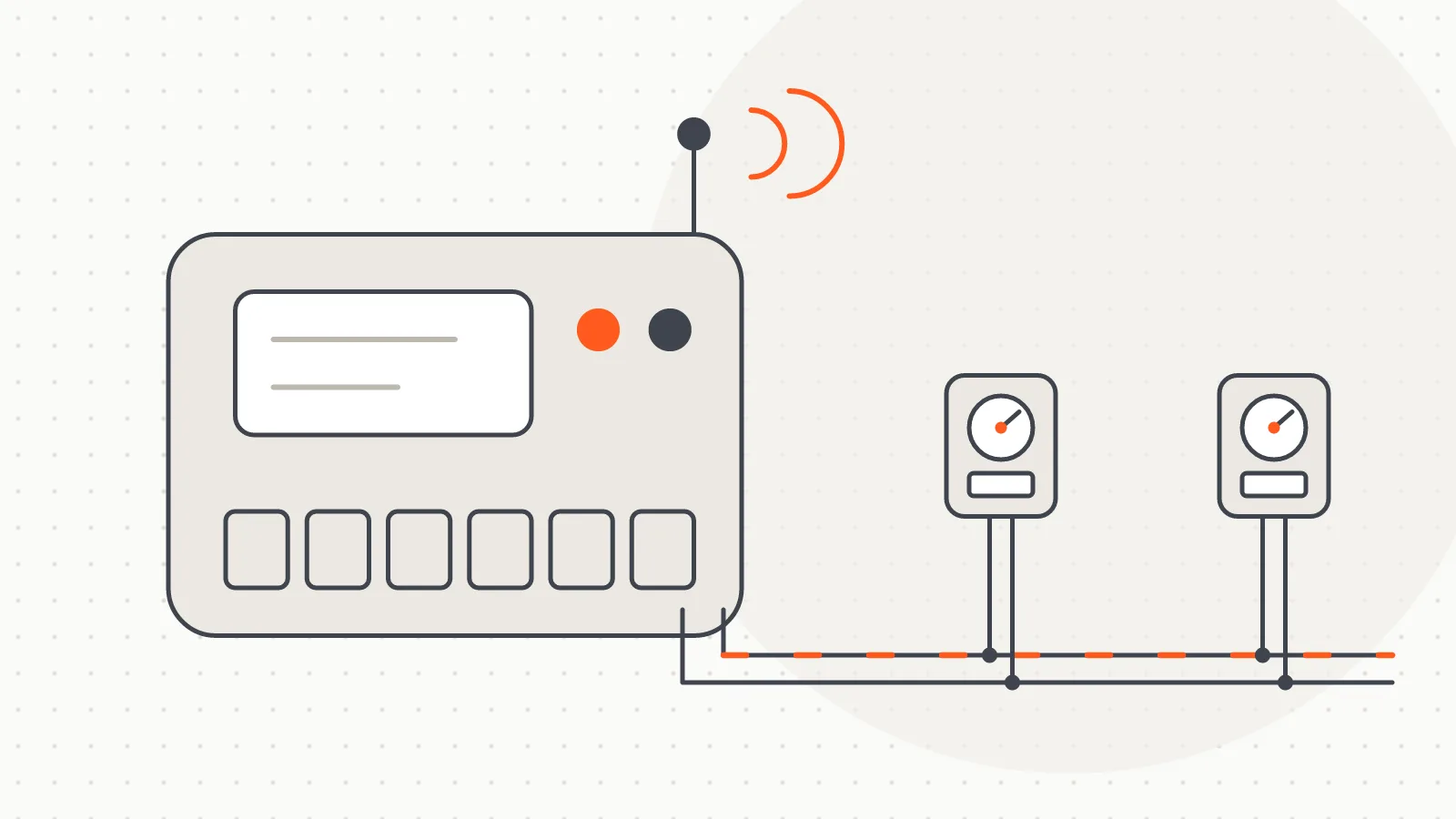
M-Bus Master devices we build in Türkiye to read meters on a wired M-Bus line over GSM, Wi-Fi, USB or Bluetooth.
Do you have a board, device or meter reading project? Tell us briefly what you need and our engineering team will get back to you.