Skip to content
TR EN

Software

EnerjiPay Billing Software: Desktop Heat Expense Allocation

Desktop program that reads meters over M-Bus and splits heating and hot water expenses per flat under Turkish regulation, with four statement templates.
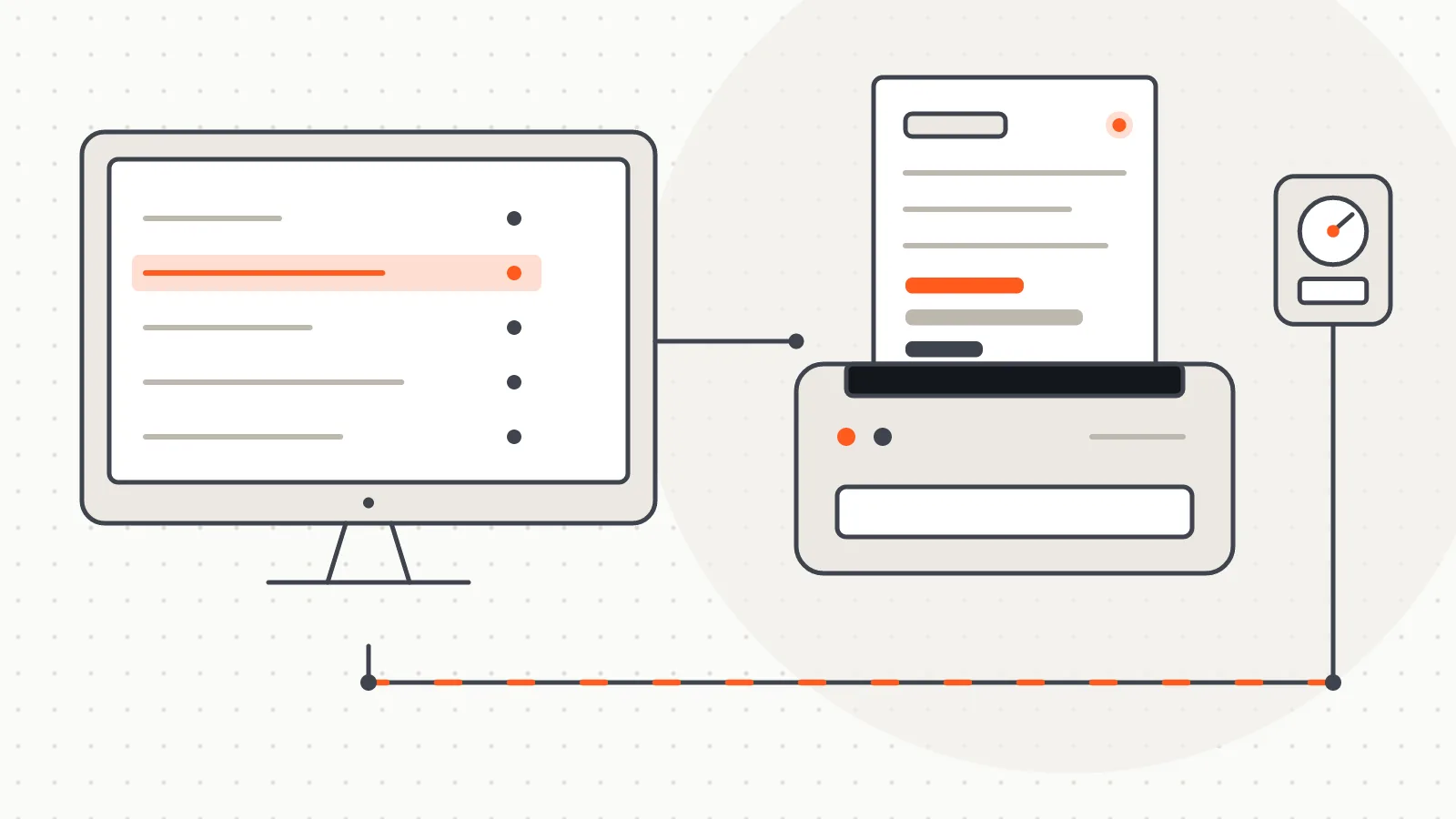
An allocation screen, a statement coming out of a printer and a meter on the bus

What it does

EnerjiPay Billing Software is a desktop program that allocates and bills heating and hot water expenses flat by flat in centrally heated buildings and housing complexes. It takes the consumption read from heat meters or radiator heat allocators, distributes the amounts entered by management according to Turkish regulation, and produces a separate expense statement for every flat. It is meant for managers who want to run reading and billing on their own computer; the web-based EnerjiPay platform for remote reading and resident access has its own page.

How it works

A billing round follows five broad steps:

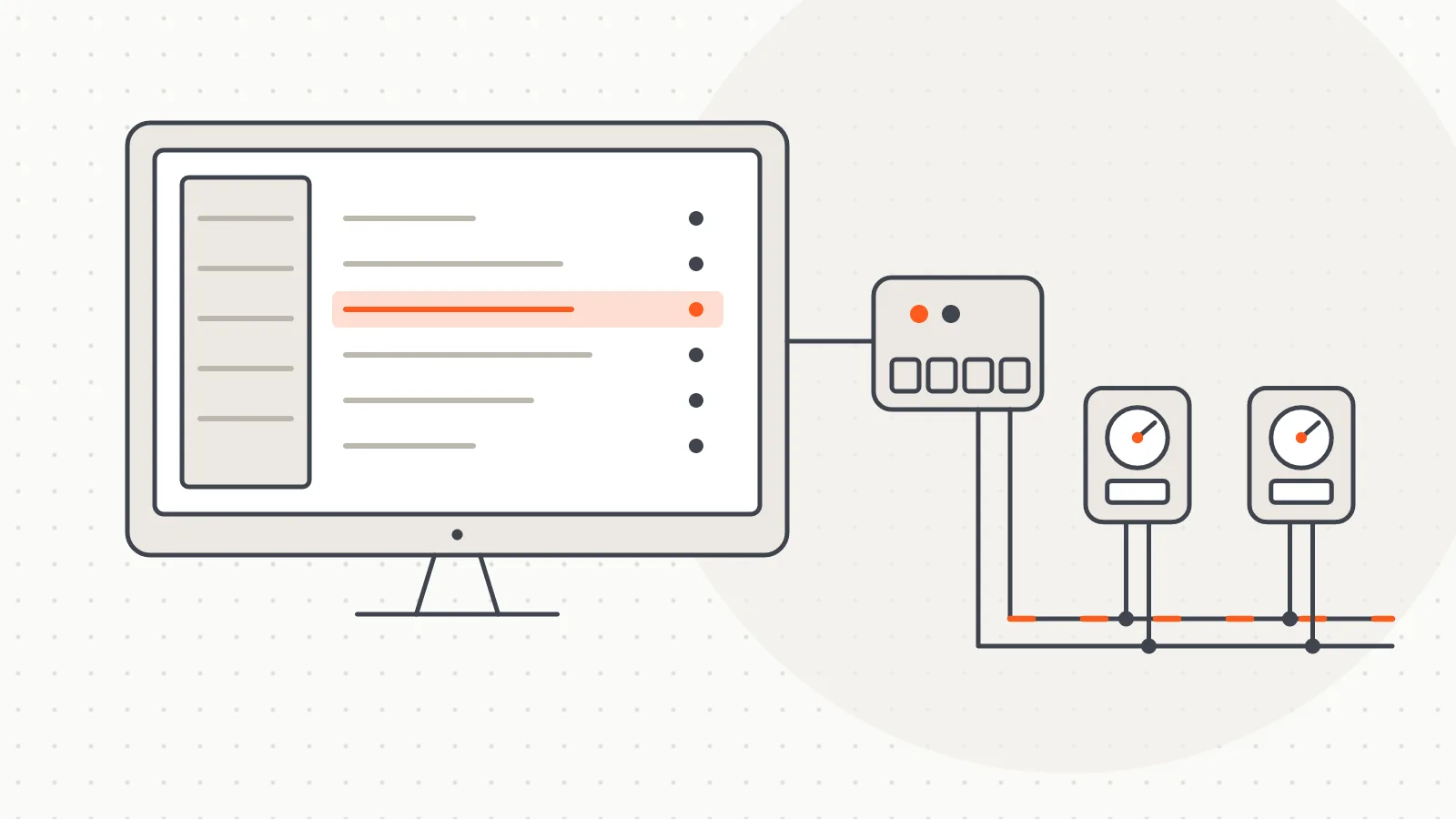
  1. Reading. Meters are read over M-Bus whenever needed, through a USB/serial connection or a TCP/IP gateway. A meter that does not answer does not stop the round; it is listed at the end. Readings can also be imported from Excel or entered by hand.
  2. Expense entry. Management enters the fuel bill, the hot and cold water amounts and any additional charges such as maintenance.
  3. Calculation. Heating is split into a consumption share and a common-area share. For central heating the regulation (Art. 8/1) allocates 70% of the expense by measured consumption and 30% by floor area; for district heating the area share is 20% (Art. 8/2). These ratios are defined in the software. The fuel share of domestic hot water is separated with the regulation's formula. In line with Article 11 of the regulation, a faulty meter's consumption is derived from that of similar flats over the same period (lowest, average or highest).
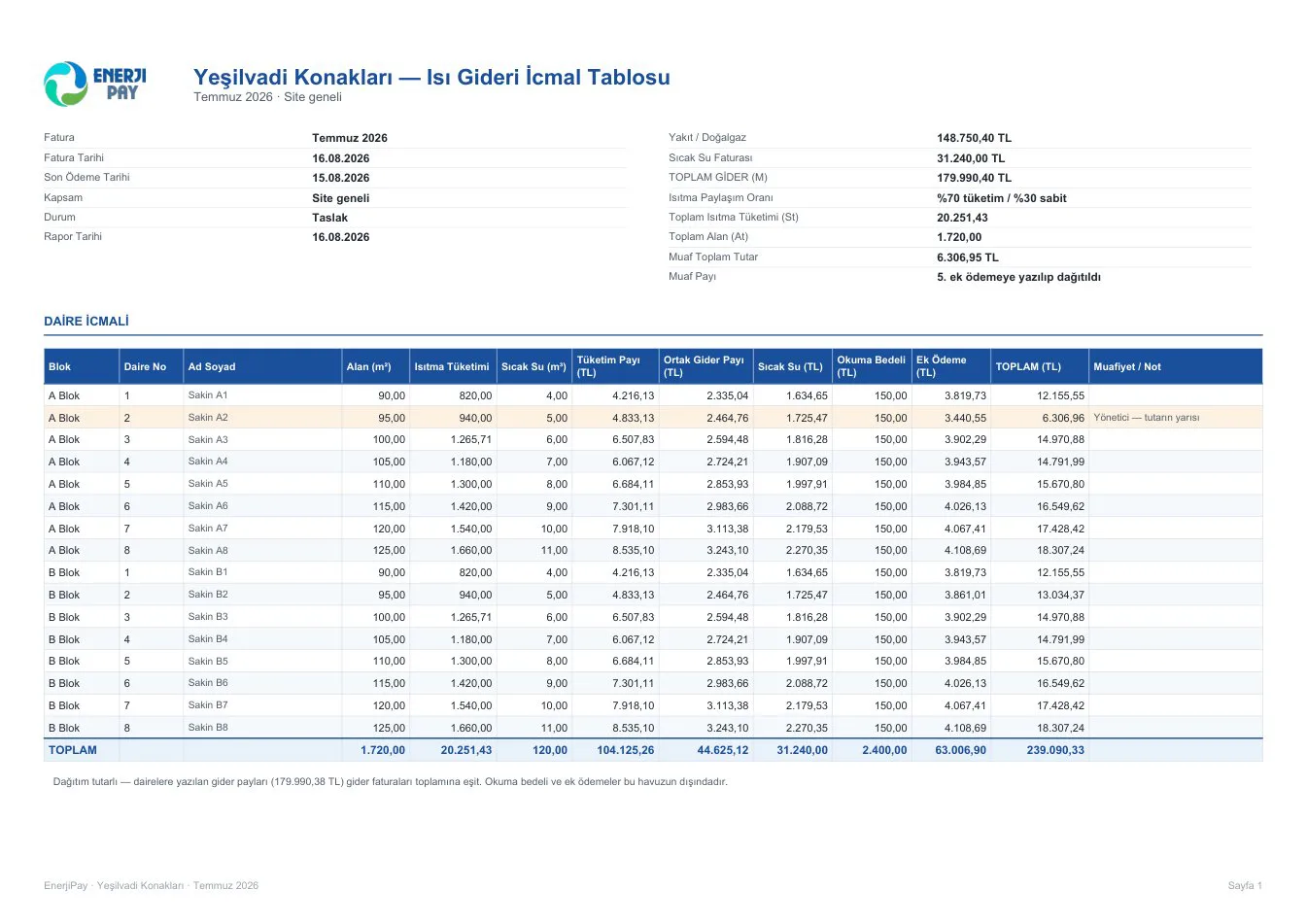
  4. Check. A control row in the summary table shows that the total distributed equals the expense entered.
  5. Issuing. Meter indexes are frozen and become the starting point of the next bill. Issued bills cannot be deleted; measurement data is kept in digital form for at least 5 years (Art. 10/1-ç).

No billing period has to be opened: the index at the moment of issuing is used. If heating is left out in summer, the expense is distributed by hot water consumption alone.

Four ready-made statement templates

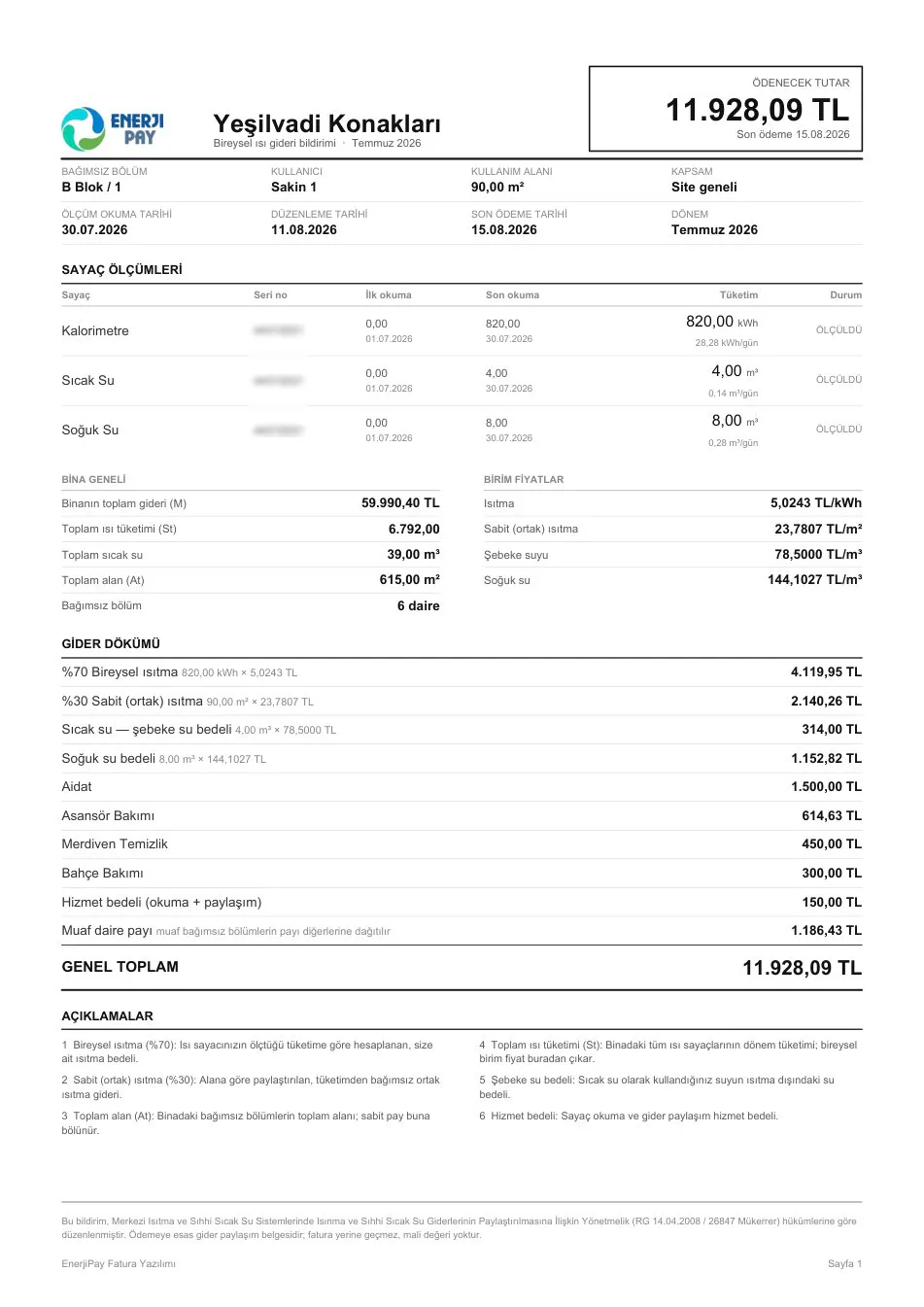
Management decides how the statement sent to each flat looks by picking one of four ready-made templates. Only the layout changes; the calculation and the amount stay the same.

  • Card layout: the amount due in a top band, meters shown as colour-coded cards.
  • Side panel layout: flat details and meter readings on the left, the expense breakdown on the right.
  • Plain layout: single colour with no filled areas; toner-friendly for managers who print many pages every month, with meters listed in a table.
  • Modern layout: a distribution bar shows how much of the amount goes to each expense heading, with percentage and amount.

Every template shows unit rates per kWh, m³ and m², the multiplication on each line, itemised additional charges, average daily consumption and a reference to the regulation. Statements come as PDF in A4, A5 and mobile sizes; the summary for management and accounting comes in Excel and PDF.

Technology

  • Brand-independent reading: meters that speak the standard M-Bus protocol (EN 13757) are read, and the raw telegram data is stored as well.
  • Local data and backup: data sits in a single-file local database, copied to a folder or cloud destination by scheduled backup.
  • Excel compatibility: flat and meter lists are imported and exported in a widely used column layout, easing the move from an older system.
  • Exemptions and additional charges: full exemption, a manager discount and exemption from the reading fee are set per flat and carry over to the next bill. Additional charges are split equally, by floor area, or as a fixed amount per flat.

The calculation engine is checked by automated tests that cover the money calculation and the statement pages.

Where it is used

The program is designed for managers of centrally heated housing complexes and apartment buildings, and for teams providing heat expense allocation services. It suits buildings where heating is measured with heat meters or radiator heat allocators; hot and cold water expenses can be allocated in the same round.

The company behind the software holds an authorisation certificate (no. 205) for heat expense allocation from the Ministry of Environment, Urbanisation and Climate Change, valid in all provinces. The calculation rules are based on the regulation on allocating heating and domestic hot water expenses, published in the Turkish Official Gazette no. 26847 (duplicate issue) on 14 April 2008.

Images

  • EnerjiPay Billing Software: Desktop Heat Expense Allocation — notice output 1Open full-size image
    EnerjiPay Billing Software: Desktop Heat Expense Allocation — notice output 1
  • EnerjiPay Billing Software: Desktop Heat Expense Allocation — notice output 2Open full-size image
    EnerjiPay Billing Software: Desktop Heat Expense Allocation — notice output 2
  • EnerjiPay Billing Software: Desktop Heat Expense Allocation — notice output 3Open full-size image
    EnerjiPay Billing Software: Desktop Heat Expense Allocation — notice output 3
  • EnerjiPay Billing Software: Desktop Heat Expense Allocation — notice output 4Open full-size image
    EnerjiPay Billing Software: Desktop Heat Expense Allocation — notice output 4
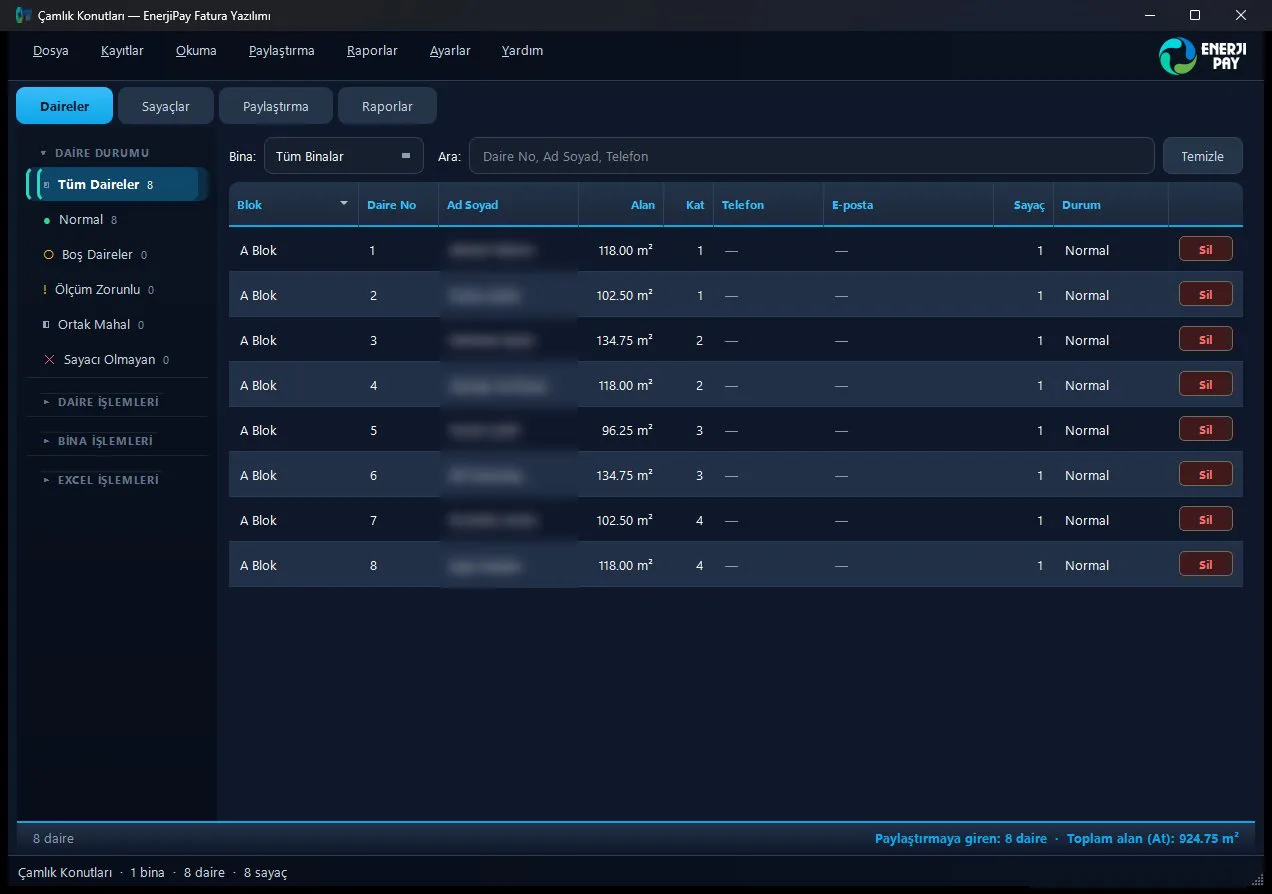
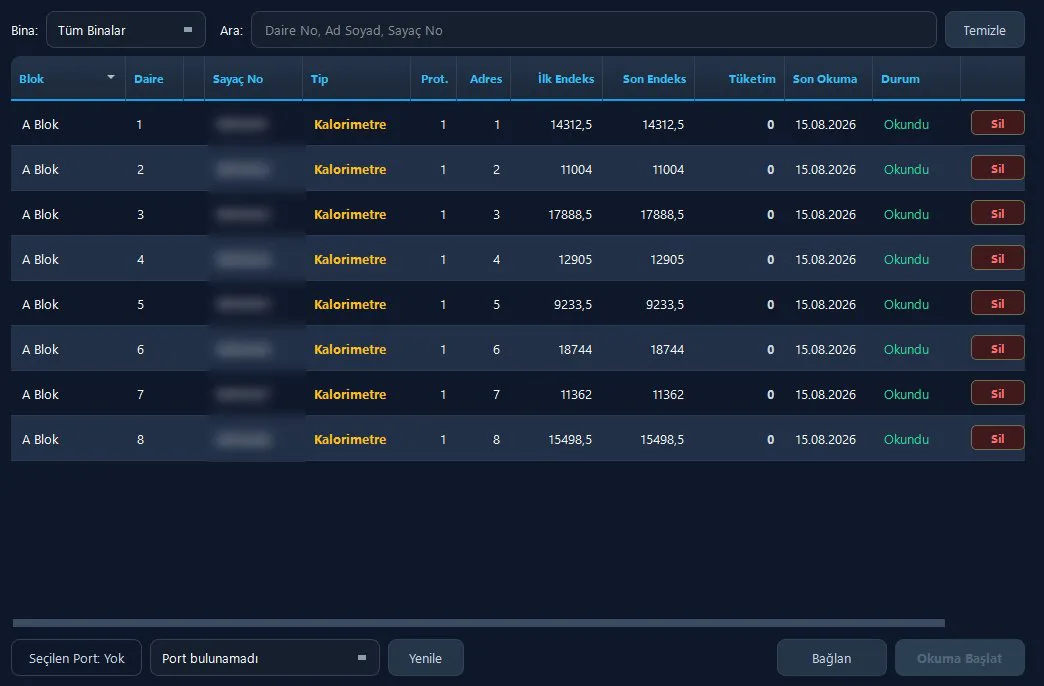
  • EnerjiPay Billing Software: Desktop Heat Expense Allocation — apartment list screenOpen full-size image
    EnerjiPay Billing Software: Desktop Heat Expense Allocation — apartment list screen
  • EnerjiPay Billing Software: Desktop Heat Expense Allocation — summary tableOpen full-size image
    EnerjiPay Billing Software: Desktop Heat Expense Allocation — summary table
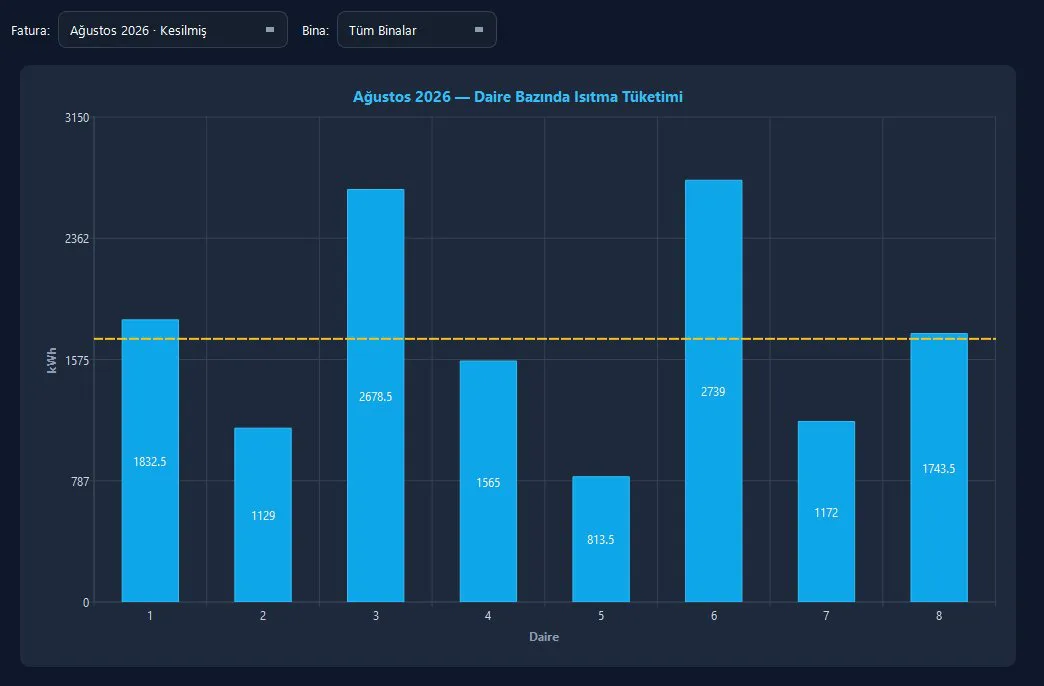
  • EnerjiPay Billing Software: Desktop Heat Expense Allocation — reports screenOpen full-size image
    EnerjiPay Billing Software: Desktop Heat Expense Allocation — reports screen
  • EnerjiPay Billing Software: Desktop Heat Expense Allocation — meter list screenOpen full-size image
    EnerjiPay Billing Software: Desktop Heat Expense Allocation — meter list screen

Related work

Software

M-Bus Meter Reading Software

A Windows desktop program that scans and reads wired M-Bus meters over a serial port, fills a table and exports the results to Excel.

Let us discuss your project.

Do you have a board, device or meter reading project? Tell us briefly what you need and our engineering team will get back to you.

bilgi@aypaotomasyon.com0505 059 88 58

Let us discuss your project